Skip links

Formwork and Scaffolding. We make it work.

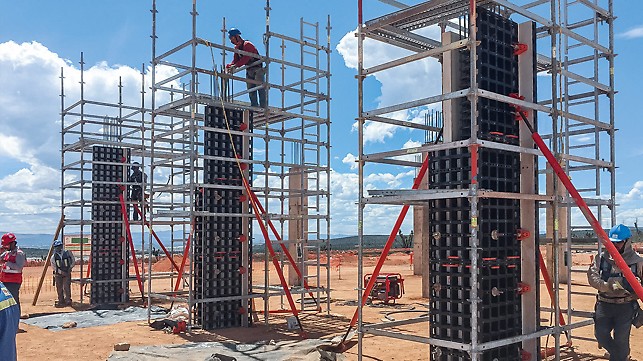
Fowolabs is a world leader in providing innovative formwork, solutions and services in all areas of construction. The company is also a global supplier of well-thought-out scaffolding solutions for a varied spectrum of applications.

Service

Fowolabs

Fowolabs

Streamlines formwork design, drastically reducing time and errors for faster, more accurate project planning.

Concremote

Concremote

Concrete maturity calculator, Concrete monitoring, Concrete strength testing

User information Formwork

User information Formwork

Technical information fast and easy for your selected Fowolabs Formwork Systems.

Fowolabs Apps

Fowolabs Apps

Connect with 1000+ Apps now!

Transparency for sustainability

How the Product Carbon Footprint contributes to a greener future

Features

AutoDraw

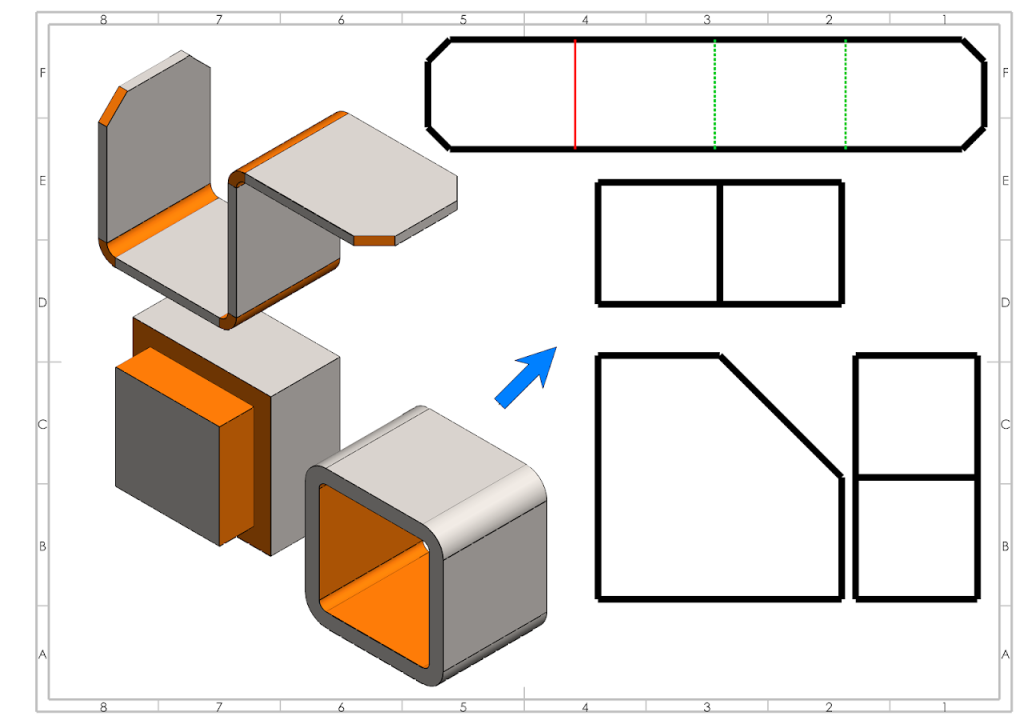
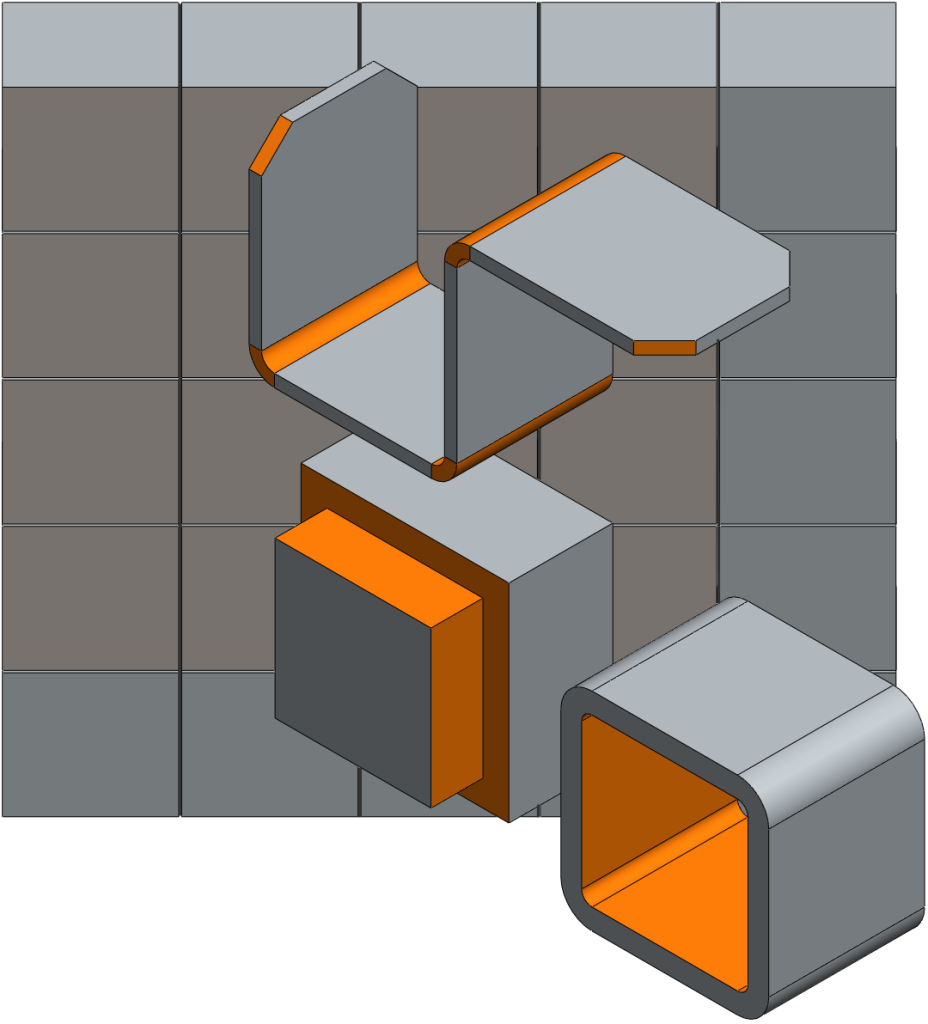
AutoDRAW: Is an addin for SolidWorks which helps you generate Drawings Automatically for a given part or an assembly. It exports Sheet Metal Flat pattern in DXF/DWG and SAT, STEP files. It identifies Sheet Metal, Weldment and standard body types & generates drawings accordingly.

Thumbnail BOM

Thumbnail BOM: Is an addin for SolidWorks which helps you create Excel based BOM for an assembly with preview thumbnails for each part or body for a given assembly or multi-body part respectively. It allows you to select your own template and inserts the same in Excel with images from SolidWorks for better visual benefit.

Switch Board App

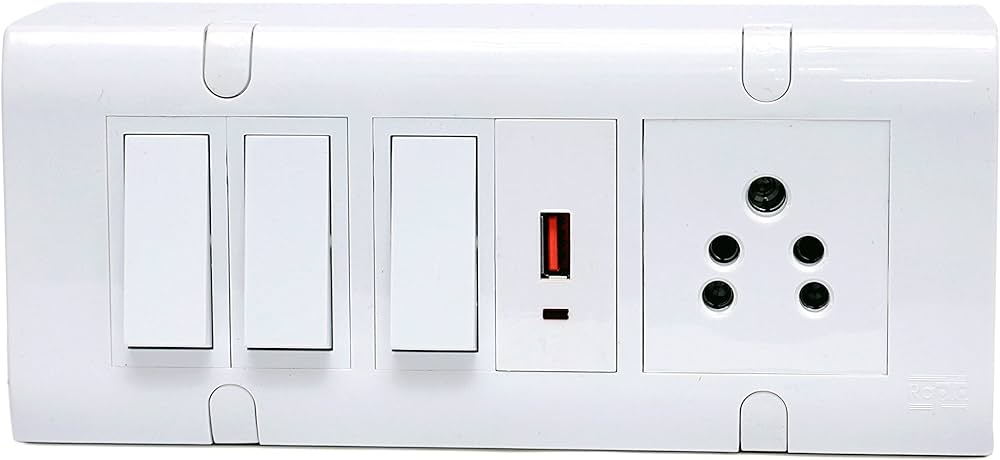
Switch Board Application is specially build to define Switch boards based on Architect's vision & helps the user use variety of brands from the market so that BOM or BOQ for all the Switch Boards can be printed for all the rooms in a flat. It also create AutoCAD drawings of each switch board with 1:1 scale for site work.

Drawing Factory

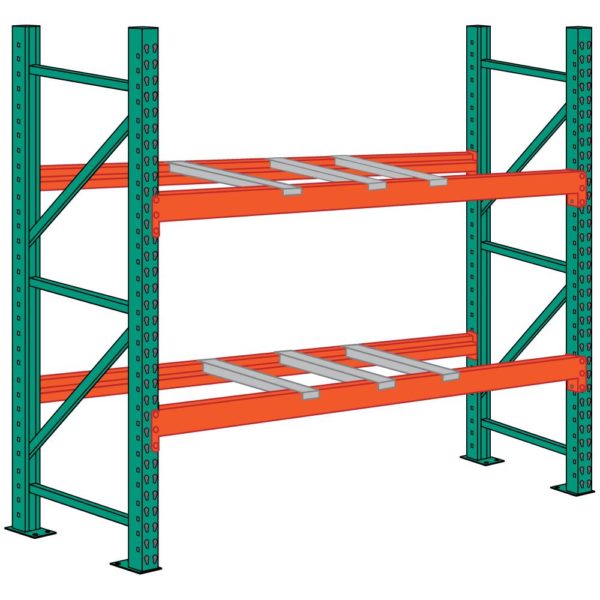
Customized application developed by us for helping the sales personal create appropriate drawing (layout & elevation of Pallet Rack, Compactors), BOM and Quotation without the help of Design department based on the inputs from Sales personal. This helps sales team to respond to the inquiries faster.

Compactor

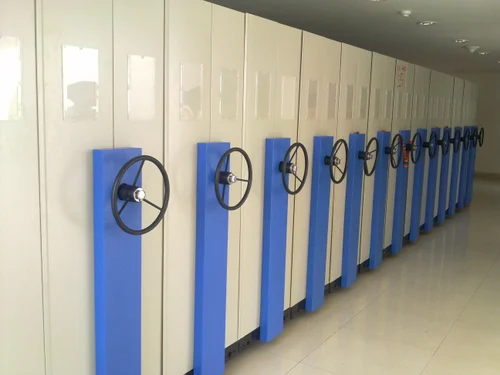
Compactor App is a customized app which generates GA drawing for Compactor fully dimensional using AutoCAD as a back end engine.

Grating App

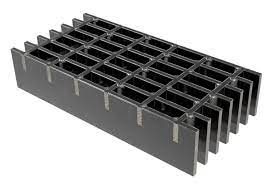
customized app which generates Layout drawing for Press Lock & Electroforged Gratings which are with dimensions. Rectangular & Circular Grating Layouts are created in AutoCAD by just selecting the Center Lines of Beams.

Frequently Asked Questions

Get quick answers to common questions about our automated formwork design plugin.

This plugin is ideal for construction professionals, formwork designers, structural engineers, and drafting technicians who work with [mention supported CAD/BIM software, e.g., AutoCAD, Revit] and are involved in the design and planning of aluminium formwork systems for concrete structures. It's built to help teams of all sizes increase efficiency and accuracy.


While some familiarity with [mention supported CAD/BIM software] is beneficial as the plugin operates within that environment, the plugin is designed with user-friendly automation features. We provide tutorials, documentation, and support to help you quickly get up to speed, even if you're new to formwork automation.


  • Our plugin is compatible with [list specific compatible software names and versions, e.g., AutoCAD versions 2018 and later, Revit versions 2019 and later]. Please check our technical requirements page for the most up-to-date compatibility list.

  •  

The plugin utilizes intelligent algorithms to analyze your structural model within [CAD/BIM Software]. Based on pre-defined parameters and formwork component libraries, it automates repetitive tasks such as panel placement, opening cutouts, accessory positioning, and generating layouts and reports, significantly reducing manual effort.


Yes, while it excels at automating standard layouts for repetitive structures like residential buildings, the plugin also offers flexibility to handle variations, custom panels, and complex geometries. You can often make manual adjustments after the initial automation or use the plugin's tools to design unique sections.


Yes, absolutely! We offer a free trial of the plugin so you can experience its automation capabilities firsthand within your own workflow and with your project files. You can also request a personalized demo from our team to see how it specifically addresses your needs.

Contact us

No matter whether you have questions, suggestions or other concerns: here you can get in touch with us.

Name